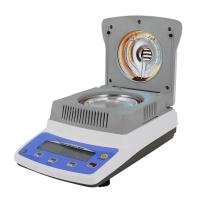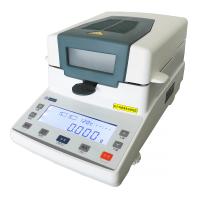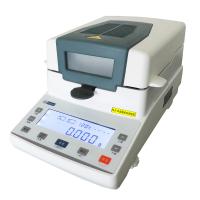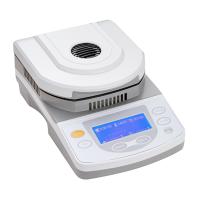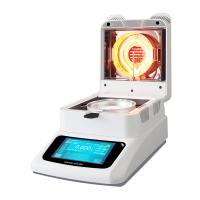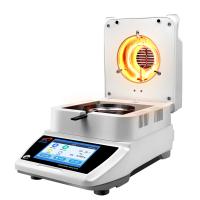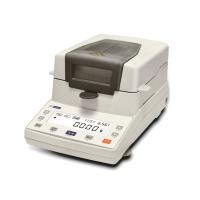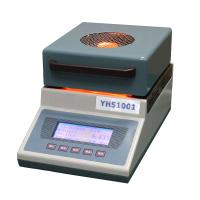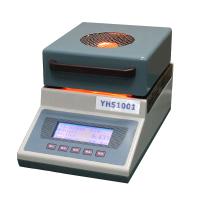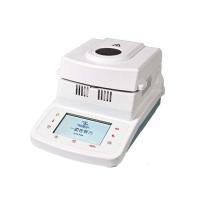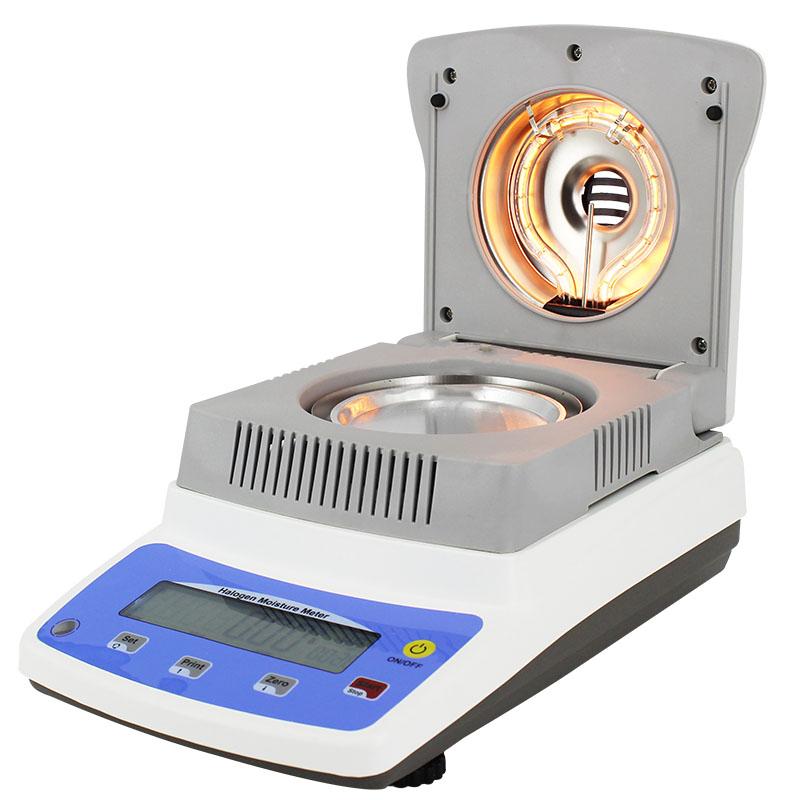
Halogen Moisture Meter may encounter some common faults during use, the following are some possible faults and their solutions:
The instrument cannot be heated or the heating is uneven:
Check whether the power connection is normal to ensure stable power supply.
Check if heating elements are damaged or need to be replaced, such as halogen lamps.
Clean the heating room to ensure that no dust or dirt affects the heating effect.
The measurement results are inaccurate or deviated:
Check that the sample container is properly placed in the instrument and ensure good contact with the instrument.
Check that the sample container is clean and dry to avoid external factors affecting the measurement results.
Check whether the instrument needs to be calibrated and follow the instrument's calibration procedure.
The display cannot be displayed or the display is not clear:
Check whether the power supply of the instrument is normal to ensure that the power supply is stable.
Check the display screen for impurities or dirt and need to be cleaned.
If the problem persists, the instrument manufacturer may need to be contacted for further repair or replacement.
The instrument is noisy:
Check the stability of the instrument and make sure the instrument is placed on a smooth surface.
Check that the fan or other cooling system of the instrument is functioning properly for blockages or malfunctions.
Instrument displays BigInt or alarm:
Refer to the instrument's operating manual for explanations and solutions for the corresponding BigInt or alarm.
Check whether the sensor or probe of the instrument is normal, clean or replace the faulty part.
For more serious or complex failures, it is recommended to contact the instrument manufacturer or technical support team in time for further troubleshooting and repair. When operating the instrument, always follow safe operating procedures and perform proper operation and maintenance according to the instrument's operating manual.