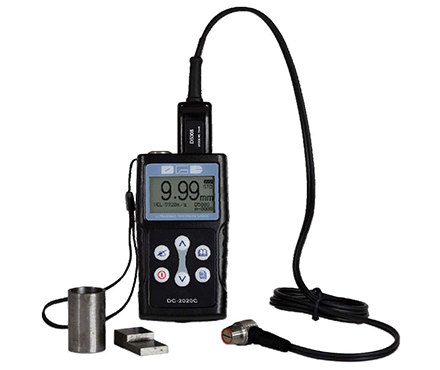
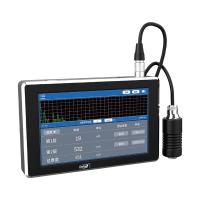
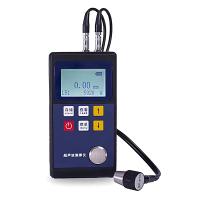
1 Overview
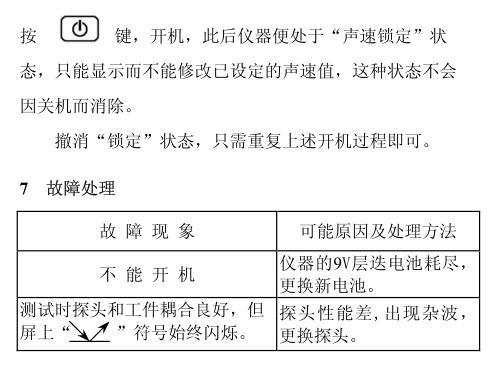
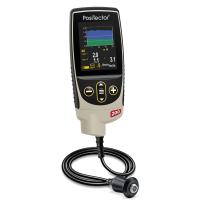
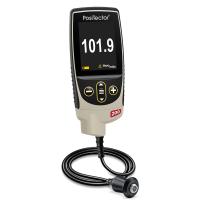
Huayang HCC-17 ultrasonic Thickness Gauge adopts the principle of ultrasonic pulse wave reflection to measure the thickness of the workpiece. Compared with the testing methods of other measuring tools, its single-sided measuring feature is easier to operate and more widely applicable, especially for the wall thickness measurement of large plates, pipes, boilers and hulls, etc., which is its unique feature. The arrangement of various control operations of this instrument fully draws on the natural thinking process of human beings, and all settings and controls can be completed through only four buttons on the panel. Moreover, the operation steps are logical and can be mastered proficiently without any effort, without the daunting feeling of other similar instruments at all. In addition, professional non-linear automatic compensation can make test results more accurate. all this belongs to
Thanks to the creative design of the computer inside the instrument. Judging from the appearance of the whole machine, it is small and exquisite, unique in style, very easy to carry, and can be held with a wrist buckle, which is very convenient even for high-altitude operations. It is indeed a practical product that combines high technology and plastic arts.
2 technical parameters
1) Measuring range: 1.5~200mm (45# steel, the same below).
2) Resolution: 0.1mm.
3) Measurement accuracy: ±(0.5%H+0.1)mm (H: thickness of the material to be measured).
4) Sound speed setting range: 1000~9999m/s.
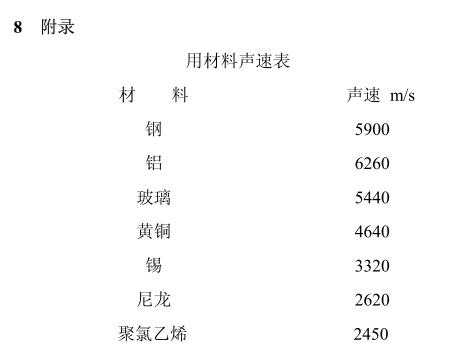
5) Power consumption: about 50mw (a 6F22 battery can generally work for 100 hours).
6) Dimensions: 120mm×60mm×26mm.
7) Mass: 400g.
3 Appearance of the instrument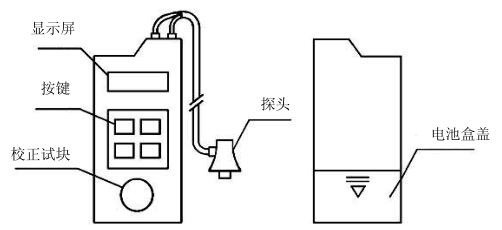
2) Button: By pressing the button, you can start, shut down, and perform various controls and settings.
3) Calibration test block: used to calibrate the zero point of the probe (thickness is 3mm).
4) Probe: put it on the tested working surface dripped with a little couplant
On, the test .
5) Battery box cover: Open the battery box cover to put in or take out the battery used by the instrument.
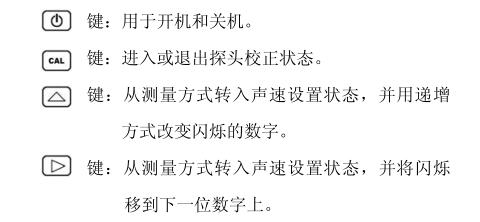
4 button function
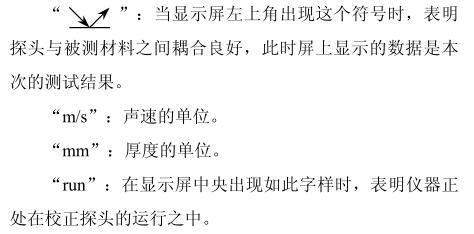
5 Display signs and their meanings
"BAT": When this symbol appears in the upper left corner of the display, it indicates that the battery is exhausted and needs to be replaced with a new one.
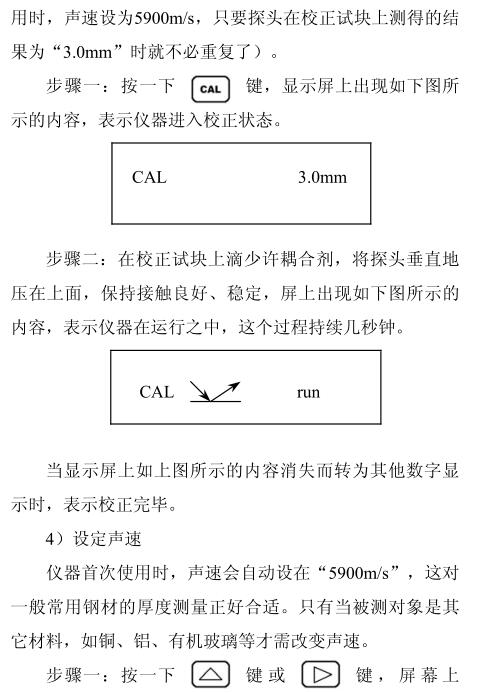
"CAL": When this symbol appears on the left side of the display, it indicates that the instrument is in the calibration state. Otherwise, it means that the instrument is in the test state, and the material thickness can be tested.
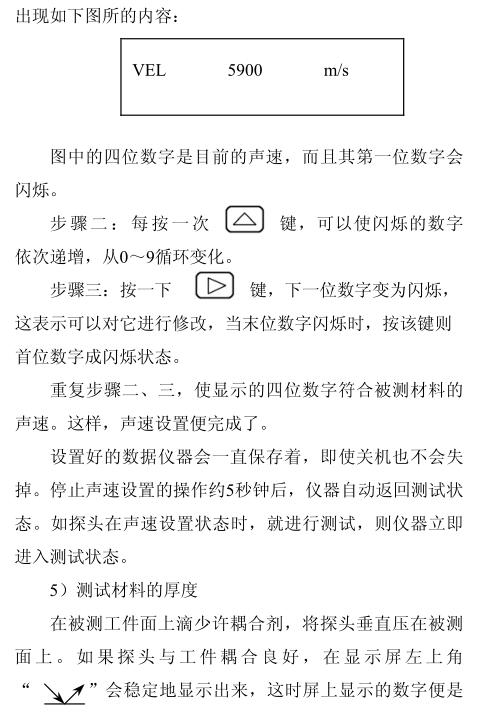
"VEL": When this symbol appears in the lower left corner of the display, it indicates that the instrument is in the sound velocity setting state, and the displayed value is the sound velocity.
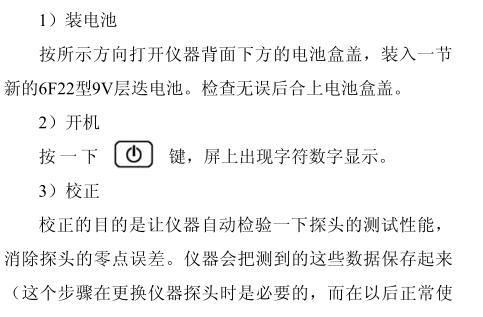
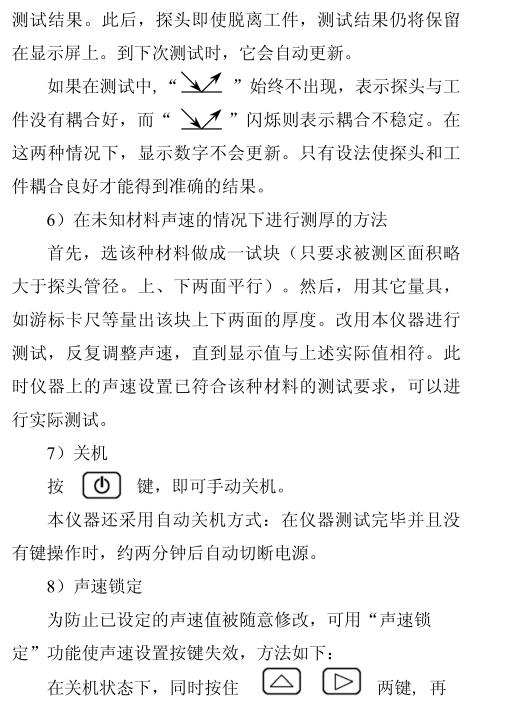
6Basic operation method