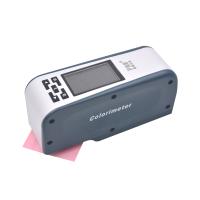
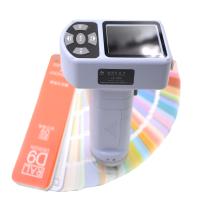
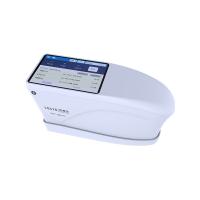
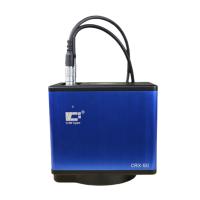
透射分光测色仪使用须知
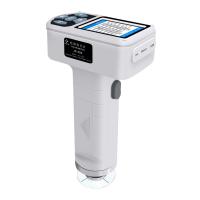
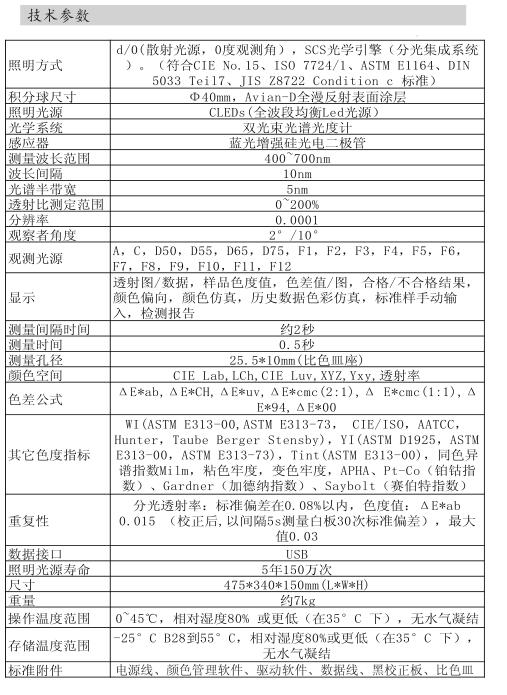
1透射分光测色仪是国内首台分光技术平台的测试仪, 主要用于测量样品的光谱数据、光谱图、色度值、色差值、呈现合格/不合格、色彩仿真示意图等。结构紧凑轻便、测试高度精准、操作简易。
2透射分光测色仪广泛应用于实验室、工厂、或现场操作,足以在几乎所有应用领域的质量控制中实现很好的的色彩测量。
限制性保修的时间段是自购买本仪器开始起(时间:如一年)的时间。如果您的仪器需要服务,请将仪器带到当地的销售部联系来进行维修。
3为了避免仪器精度受影响, 请不要将仪器私自拆开。 如果4由于私自拆卸机器或不正确的使用而导致仪器损坏, 请用户自行负责。
注意事项
1本机属精密仪器,不能承受因跌落而导致的碰撞,使用时请放置于相对平整的地方本机不能防潮或抗潮, 受潮或液体溅入易损坏本机。
2本机的屏幕是由玻璃制成, 受到异常外力或锐器的作用易损坏。
3本公司建议使用原配电源适配器。
4为保障本机正常工作,请不要在过冷或过热的地方存贮和使用,也勿将本机放置在潮湿或阳光长期直射的地方, 更不要5在强震等恶劣的环境中使用本机, 以免发生意外。
6彩谱CS-810是精密仪器, 使用时请避开强电磁干扰。
7为保证测量准确, 请不要用本机测量不平整的表面。
8为保证测量准确,测试时请保持仪器平稳,不要摇晃。
9测试时请将仪器的测试口紧贴测试物体表面, 但不要用力按压。
10本机属精密仪器, 使用完毕请将仪器装入包装箱内保管。
11请将仪器存放在干燥的地方。
12本机及说明书如有进一步改进或补充,恕不另行通知。如有疑问,敬请垂询本公司。
仪器安装
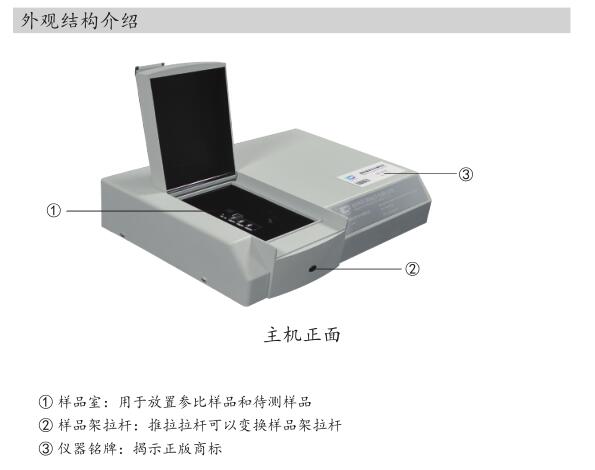
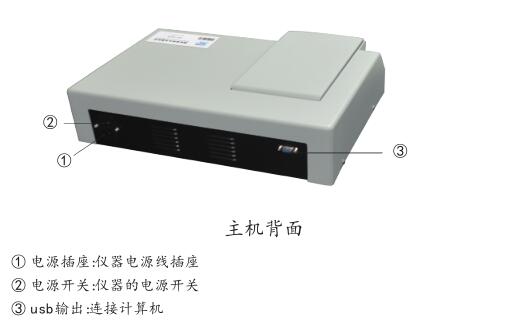
一:仪器安装环境
1: 仪器的额定电压为220V,50Hz。 供电电压不正常会使仪器无法正常工作。2: 仪器应安装在干燥的室内。
3:仪器应安装在坚固的工作平台上,且无强烈的震动。
4:仪器应远离电场,高强度的磁场及会产生高强波的设备。
5:仪器应避免强光的直接照射。
6: 仪器供电电源应有接地线保护。
二: 仪器安装
1: After unpacking, check whether the instrument is damaged, and check whether the accessories are complete according to the packing list.
2: After confirming that the accessories are correct, take out the instrument unit module.
3: Check whether the instrument works normally.
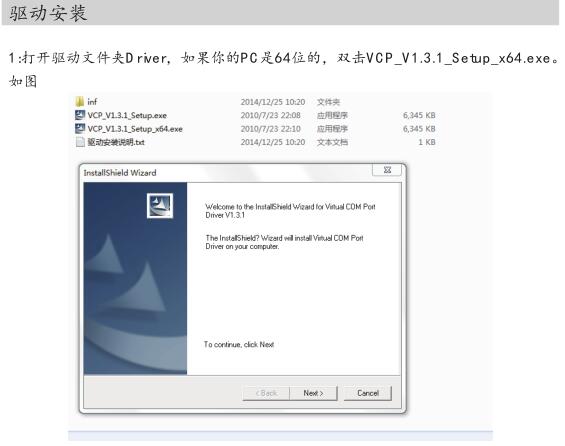
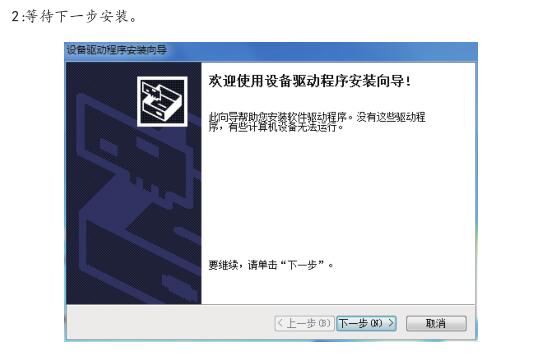
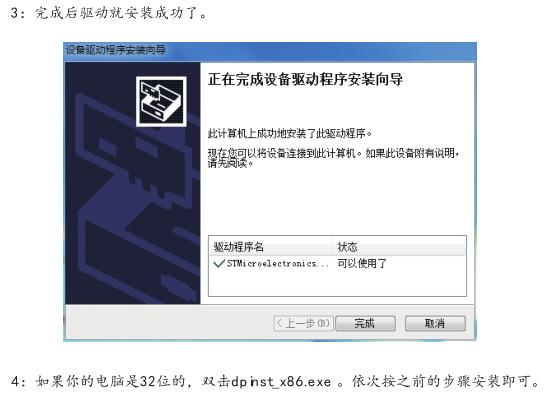
Instrument use
Step 1: The instrument should be preheated for 30 minutes before use.
Step 2: Connect the AC 220V power plug, as shown in the figure:
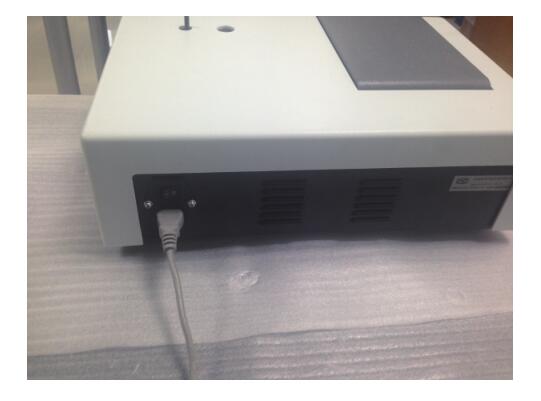
Step 3: Press the power button 1.
Step 4: Black calibration: pull open the sample cover chamber, put the light-shielding body into the sample price, close the sample chamber cover, and perform calibration.
Step 5: White Calibration: Put a colorless sample (distilled water) into the sample holder. And push and pull the sample holder to make it enter the optical path, close the sample cover for calibration.
Step 6: Open the software. When the instrument tests the sample, the standard sample should be tested first, and then the sample should be tested.
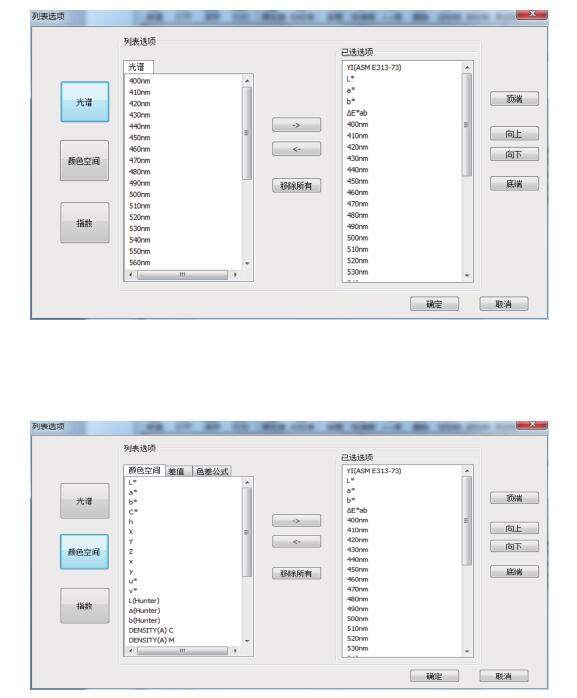
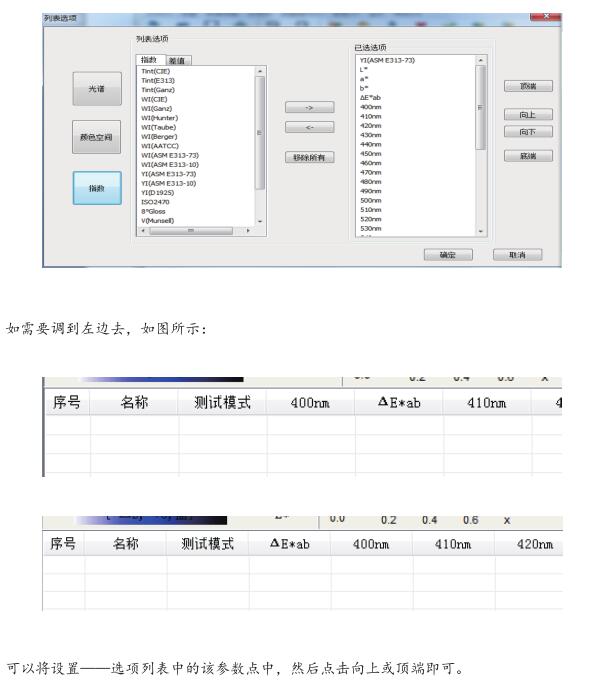
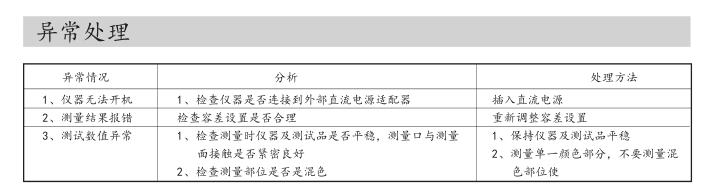
Step 7: In the software, click Settings in the menu bar - option list, and set the spectrum, color space, index, etc.
As shown below