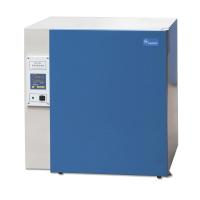
How to use:
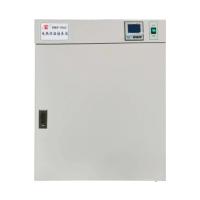
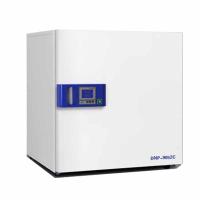
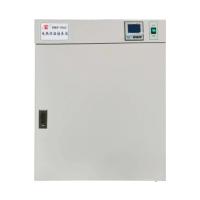
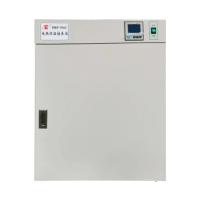
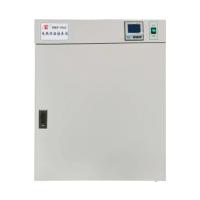
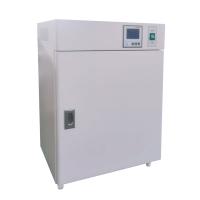
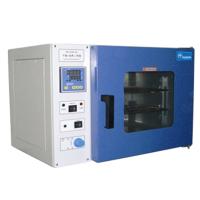
1. Turn on the power, press the power switch, and the power indicator light will be on.
2. Set the temperature control to the temperature value required by the user. Press the function key for more than 15 seconds, the display will display SP, press the number adjustment key to set the desired setting value.
3. Press the function key again, and the measured temperature of the Incubator will be displayed at this time. The heating lamp is on, and the instrument enters the automatic constant temperature control state.
4. When the measured temperature of the Incubator reaches the set temperature, the heating is interrupted and the heating indicator light goes out.
After removing the sample, turn off the power.