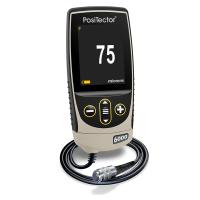
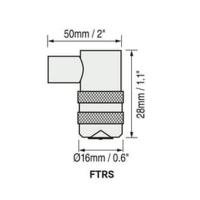
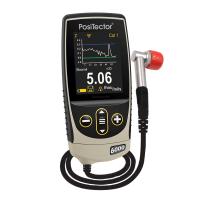
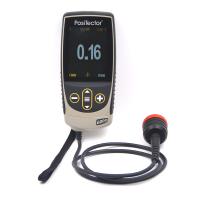
Commonly, measurement data from PosiTector and PosiTest AT-A instruments are stored in internal memory and subsequently transferred to PosiSoft software solutions  (Windows/Mac/iOS/Android) for further reporting. However, DeFelsko instruments can also communicate directly with third-party software using USB, Bluetooth and WiFi connections:
USB keyboard mode (PosiTector 6000 probes only)
USB serial streaming mode
Bluetooth API (iOS)
WiFi server mode
USB keyboard mode
 USB Keyboard Mode enables PosiTector 6000 Advanced instruments (meter body serial numbers 784,000 and higher) to emulate a USB keyboard when connected to a computer.
USB Keyboard Mode communicates with your computer by simulating keyboard keys. When connected in this mode, the PosiTector 6000 Advanced instrument will be recognized as a simple USB keyboard. Each read is 'enter' followed by a carriage return (carriage return). This provides an easy way to capture readings as they occur without any special software, drivers or complicated setup.
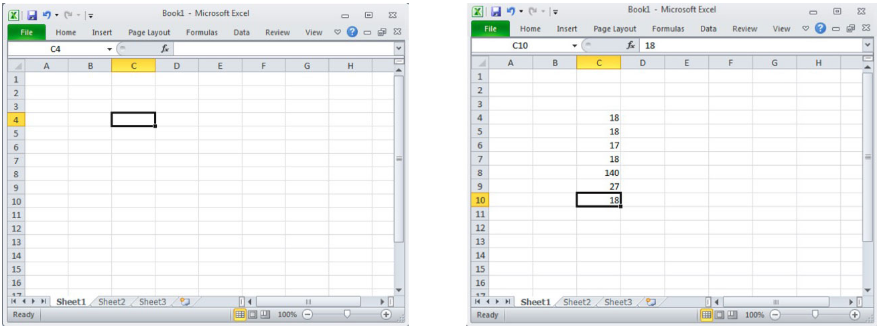
In the spreadsheet example below, the user has selected cell C4. Seven readings were then taken with a USB-connected PosiTector 6000 Advanced in USB keyboard mode. Each reading is automatically filled into its own cell followed by a carriage return (equivalent to the enter button on the keyboard).
This mode is suitable for your own quality control reports or pre-formatted spreadsheets. It can also be used to interface with Programmable Logic Controllers (PLCs) used in industrial automation.
For information on setting the USB keyboard mode, see: Settings: USB Keyboard Mode
USB serial stream mode
PosiTector Advanced (serial numbers 784000 and higher) and PosiTest AT-A instruments (with color display) allow real-time transmission of measurements to a USB-connected computer.
PosiTector creates a virtual "serial" port, a protocol commonly used by applications to communicate with external tools and devices. PosiTector measurements can be captured during real-time acquisition, including metadata such as units and measurement type.
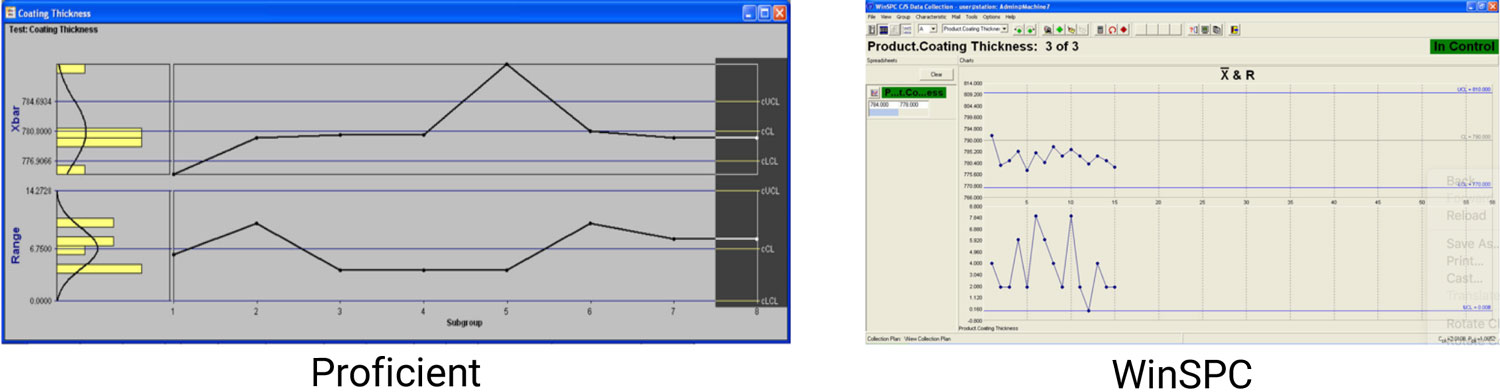
Any serial compatible software can be configured to accept PosiTector data streams. Proficient (InfinityQS) and WinSPC (DataNet Systems) are two popular statistical process control (SPC) software options.
For information on setting the USB streaming mode, see: Settings: Streaming Mode
Bluetooth API (iOS devices)
PosiTector Advanced (serial numbers 784,000 and higher) and PosiTest AT-A instruments (with color display) feature Bluetooth BLE wireless technology. Transfer stored measurement data to an Apple iOS or Android device using our free PosiTector app. Professional PDF reports can be generated quickly and easily within the application.
Additionally, DeFelsko created an application programming interface (API) for iOS application developers who wish to retrieve stored measurement data directly from PosiTector and PosiTest instruments. Please contact us for more information.
WiFi server mode
All PosiTector premium models with serial numbers over 730,000 and the PosiTest AT-A Automatic Adhesion Tester with touch screen display include WiFi wireless technology.
Any device connected on the same WiFi network can wirelessly access stored gage data to:
View stored measurements using a standard web browser
Access HTML, comma-separated text (.txt) and JSON schema files - parse information contained in databases or custom software applications.
Remote control of strain memory functions such as creating new batches, closing batches and deleting all measurement data.
Remotely view live displays of working instruments - see the instrument display as if it were in your hand
For information on setting WiFi mode, see: Settings: WiFi Server Mode
in conclusion
From wired USB to WiFi wireless technologies, DeFelsko Instruments provides data management solutions for professional software integration. Accessing your stored or live streaming measurement data is easier and more flexible than ever.