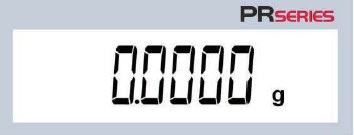
1. Long press the tare l menu-calibration key to display the CAL (calibration) menu.
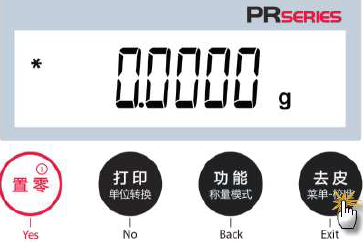
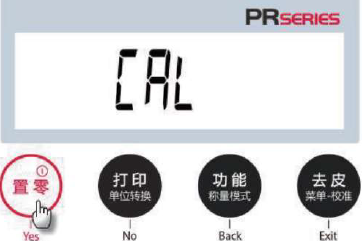
2. Press Yes to enter the calibration menu.
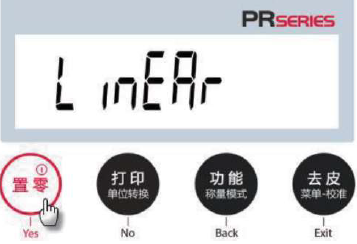
3. To change the calibration mode, keep pressing the No key until LineRr (linear calibration) is displayed. Press Yes to start span calibration.
4. The display shows the calibration code value to be used. For example, the screen displays 100.0000 g, that is, put 100g weight on the weighing pan.
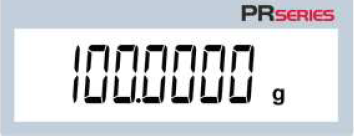
5. Remove the 100 g weight from the weighing pan. After a while, the screen displays 200.0000 g, that is, place a 200g weight on the weighing pan.
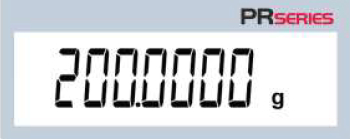
6. The screen displays CAL.Done, indicating that the linearity calibration is completed. Press any key to return to the previous state.
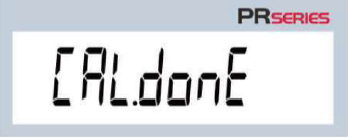
7. Remove the code and reset the reading to zero.