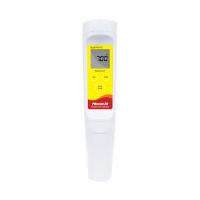
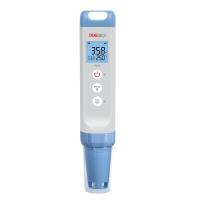
p H pen instructions
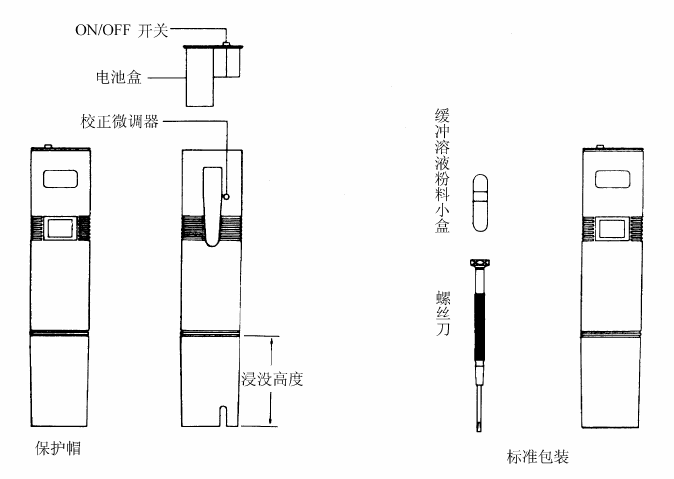
1. Remove the black protective cap, flip the switch on the top to turn on the pH pen. (If the pH bulb is dry, it needs to be activated , otherwise there will be a large error)
2. Calibration in standard buffer solution. Note: Whether it is calibration or testing process, the liquid level of the liquid to be tested must not exceed the warning line of the pH pen. (As shown below)
Activation of the pH pen
Soak the pH pen in pH4.00 buffer solution or 3M KCL solution for 12 hours. Confirm that the pen tip is immersed in at least 1 inch, but must not exceed the warning line, that is, the immersion height.
Calibration of pH pens
Put the activated pH pen in the buffer solution of pH6.86, and turn the zero point correction potentiometer on the back of the pH pen to display the pH value of the buffer solution. Then clean the pen, put it in the buffer solution of pH4.00, and turn the slope correction potentiometer on the back of the pH pen to display the pH value of the buffer solution.
(Note: The rotation angle range of the correction potentiometer is 0 to 180 degrees. Do not rotate it hard to avoid damage.)
Preparation of pH 6.86/4.00 buffer solution
Remove buffer solution powder from package to container. Add 250ml of distilled water. Stir until the solids are completely .
application
Swimming pools, factory wastewater, food processing, schools and laboratories, fish farming.