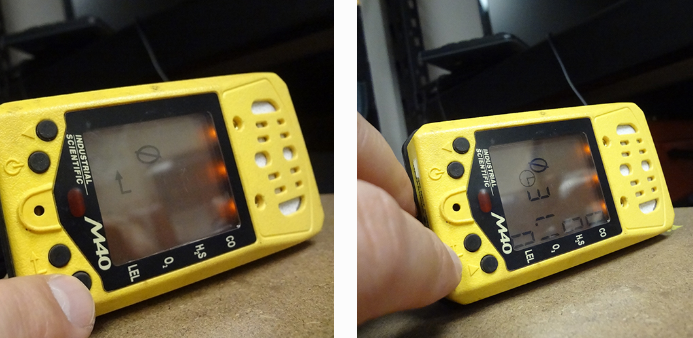
No oxygen or low oxygen levels?
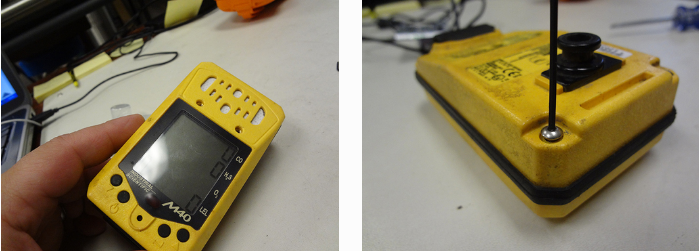
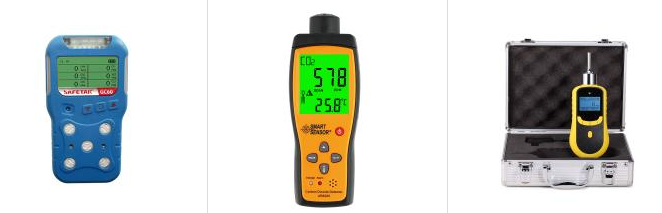
Step 1:- Turn on the ISC M40
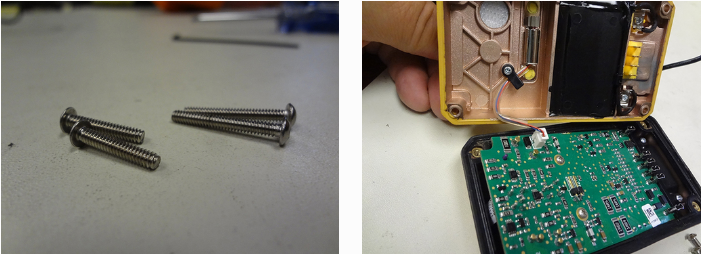
The ISC M40 uses high-quality machine-threaded screws for the outer cover. After removing all screws, be careful when opening the device. The power cord is connected to the vibrating alarm and can easily be damaged if proper precautions are not taken.
Step 2:- Remove the vibration alarm and back cover
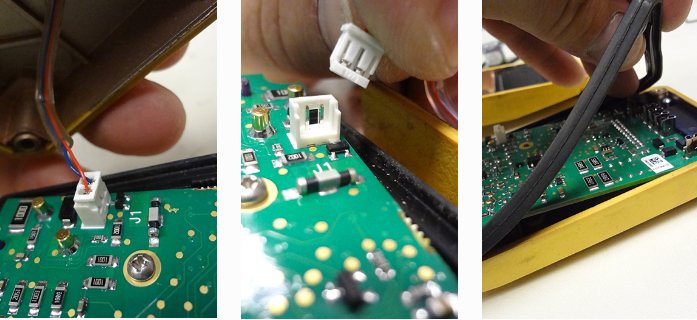
Let's go ahead and remove the power cord. Do this by using tweezers or a PC jumper removal tool. You can wiggle it with your finger, but this is not recommended as it may compromise the integrity of the wire. After disconnecting the power cord, remove the gasket. Again, proper precautions should be taken at every step.
Step 3:- Remove the sensor board
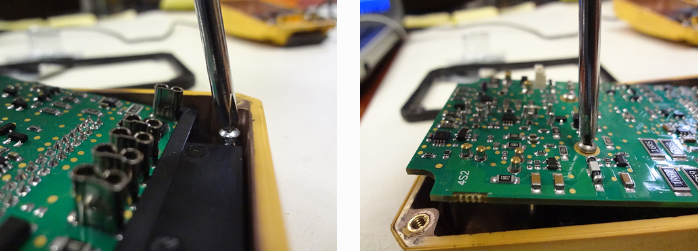
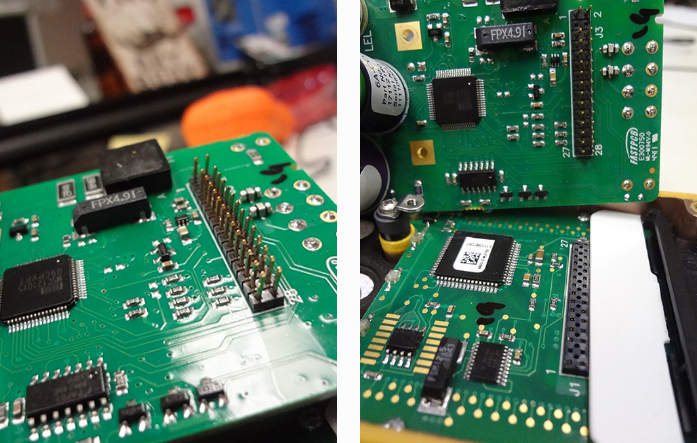
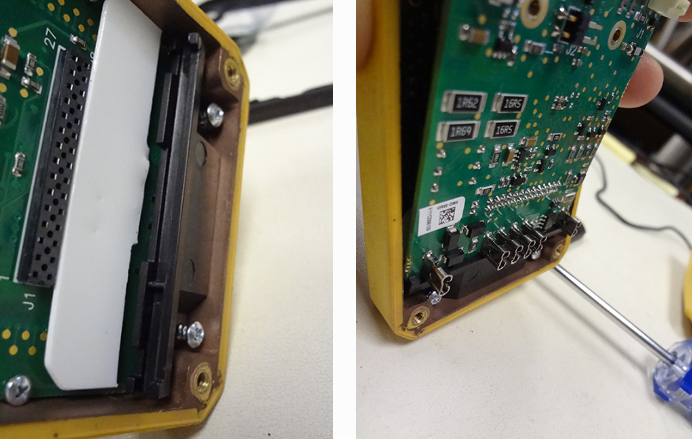
There are 4 screws and slots (similar to IDE HDD connectors) holding this board in place, this step can easily go bad very quickly. First, loosen the 2 bottom screws where the plastic pieces are, then unscrew them about 3/4 of the way up. Next, we remove the 2 on the board. After loosening and removing the screws, the socket and pins are still connected to the board. Gently pull the board away from the top without using force. This takes some skill, check the images below to better understand why such tenderness is required.
Step 3:- Remove the damaged sensor
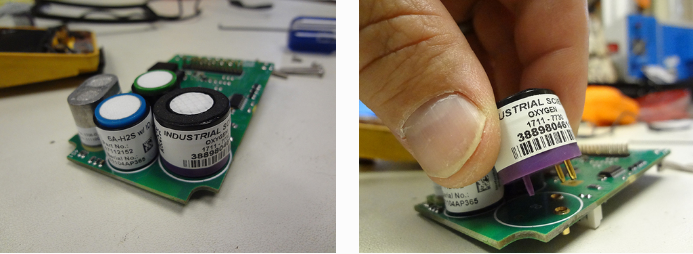
First, we need to identify the oxygen sensor. We can clearly see which one. right? Straighten some wiggles sometimes, but usually they just come out of the socket. This is a good time to record the sensor serial number and date code, which should also be done with new sensors that will be installed. Oxygen sensors last about 2 years, after which it is highly recommended that you replace them. A human life is not worth the price of a sensor!
Step 4:- Install new oxygen sensor
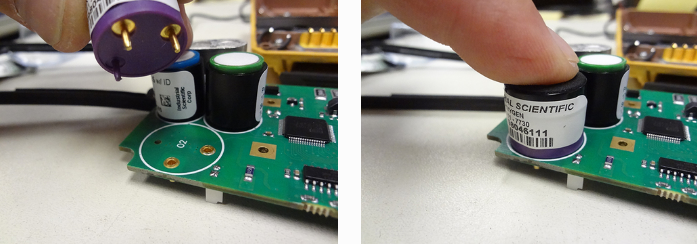
Line up the pins and it should almost fall into place. Apply a small amount of pressure and make sure the sensor is properly seated.
Step 5:- Reconnect the sensor board
Place the sensor board in the plastic hinge and slowly insert the pins into the socket. Do not force it! If you force this step, you may permanently damage the sensor board. Go slow and pay close attention to how the motherboard feels in the socket, if it lines up correctly you shouldn't have any issues. Pulling the sensor board out incorrectly, or if you try to force it in, will likely bend the pins and make completing the process more difficult. The trick to installing the sensor board is to gently place it in the plastic sheet on the bottom of the unit, then hinge the board so the pins slide lightly into the slots.
Step 6:- Reassemble
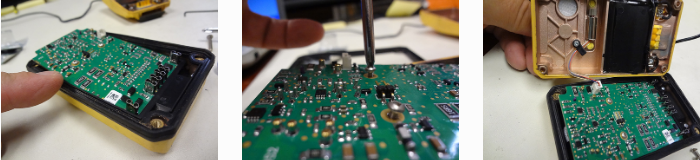
After successfully reinstalling the sensor board, tighten the 4 screws and reinstall the gasket. Reinstall the vibrating alarm. Close it, and reinstall the case screws.
Step 6:- Wait and zero
We usually wait 20-30 minutes for the oxygen sensor to adapt to the ISC M40. Once the unit is stable and the oxygen readings are not jumping around, we zero the unit. Do this by pressing the rightmost up arrow key. Next, a confirmation menu will be displayed on the screen to perform zero calibration, press Enter to confirm, and the next step is calibration. You can find that guide here .