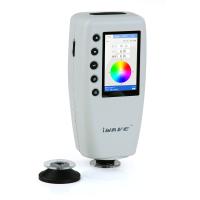
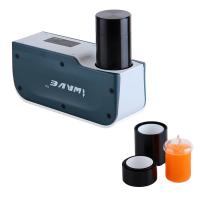
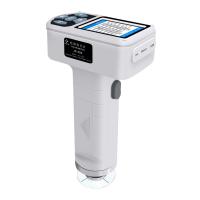
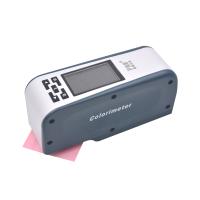
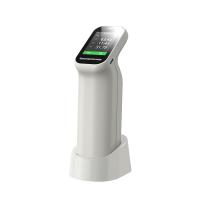
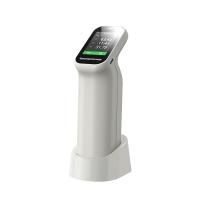
Weifu WF32 Portable Colorimeter has several modes of measurement mode, light source selection and color difference formula, so how to operate in different modes?

Press the "Menu" button to switch the menu to "Mode". Under "Mode", there are 3 pages to set the measurement. These 3 pages are "Measurement Mode", "Light Source Selection", and "Color Difference Formula". Press the "page switching key" to switch between these 3 pages.
1. Mode: measurement mode
The screen switches to the "Measurement Mode" page, as shown in Figure 24. In the "Measurement Mode", you can select the color space (CIE1976LAB, CIEXYZ, CIELUV, HunterLAB, sRGB, yellowness and whiteness), light content mode, The average measurement times setting, and the tolerance setting of the portable Colorimeter.

Luminous way
Included light method SCI refers to the specular reflection light included in the light reflected by the object during measurement.
The light-containing method SCE means that the specular reflection light in the light reflected by the object is not included in the measurement.
average measurement
When the user needs to measure multiple points and take the average value, the average measurement function can be used.
Tolerance setting
It is used to set the standard for judging whether the measured color difference value is qualified or not.
2. Mode: light source selection
The screen switches to the "Light source selection" page, as shown in Figure 25, in the "Light source selection" you can select the light source (A, C, D50, D65, F2, F7, F11, F12) for instrument measurement to meet different measurement requirements.


3. Mode: color difference formula
The screen switches to the "Color Difference Formula" page, as shown in Figure 26. In the "Color Difference Formula", you can select the color difference formula (ΔE Lab , ΔE CMC , ΔE ISO , ΔE CIE94 , ΔE FCM⒒ , ΔE LUV , ΔE Hunter , ΔE sRGB ) to meet different measurement requirements.