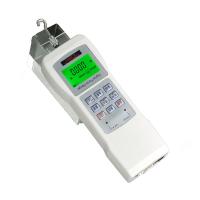
user calibration
The calibration process needs to be handled carefully. The operation steps are as follows:

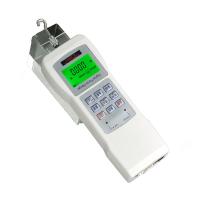
Choose an environment with no wind and no vibration source. In the off state, press and hold the "Mode" button for a long time, then press the "ON/OFF button, wait for the screen to display "dEFAU", release the button at this time, and press "Mode" Press the key, the screen will display "USEr" and then press the "SET" button to enter the basic on-point calibration; after the data is stable, press the "SET" button to complete the basic point calibration and enter the high point calibration; press the up and down arrow keys to select the After applying the force value and waiting for the data to be stable, press the "Settings" button to complete the user calibration, and the instrument automatically enters the test interface.
In the off state, long press and then press the "Mode" button, wait for the screen to display "dEFAU", release the button at this time, and then press the "Settings" button , prompt "----", the factory reset is successful, and the instrument automatically shuts down.
Note: Only when the test force value is inaccurate, user calibration is required; and calibration equipment is required, if not available, calibration is not allowed