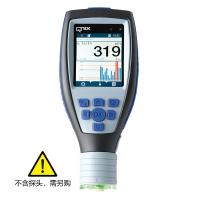
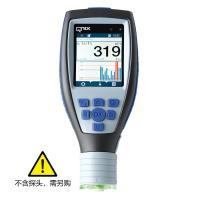
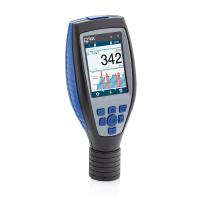
The QNix® 9500 computer software QN9 is completely browser-based and does not need to be installed on the computer, so it is independent of the existing Windows version. The QNix9500 software, which completely redevelops the operating logic, is also applicable to the QNix9500 instrument interface. All parameter settings on the instrument can be set and operated on the computer software.
1. How to install QN9 software?
Connect the QNix® 9500 to a PC via the included USB cable. This manometer (like a USB memory stick) is considered a mass storage device. A drive "QNix®9500" is added to the file manager. Open the drive and copy the file "QN9500_Software" to your PC. Run the file. Without installation, only the files will be unpacked. Run the file "setFirewallRole4QN9" to register the QN9 software with the virus scanner. Start the application with "Start_QNix9500".
2. How to create a report template in three steps through QN9 software?
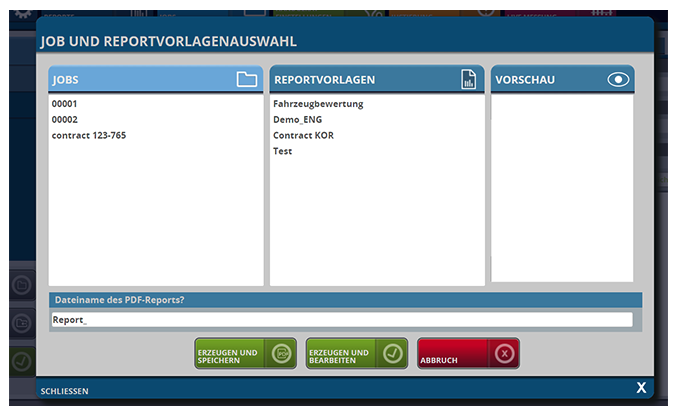
First of all, please start the QN9 software on the PC, connect the handheld with the PC, and then synchronize it with the corresponding software by clicking the "Datei Sync" button. Tap on the Quick Menu tab "Generate" and this mask will open:
1) Select the respective jobs
2) Select a report template
3) Swipe to create and save
Tip: How to create a report template through QN9 software?
3. How to create a report template through QN9 software?
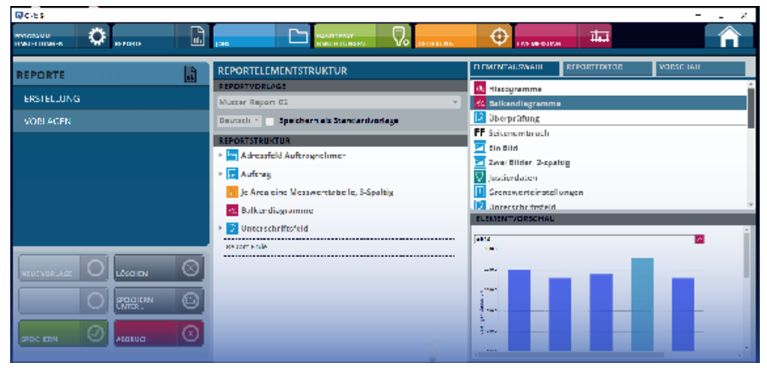
Create report templates by dragging and dropping; the process is almost self-explanatory.
Tip: After creating one or more report templates, reports can be generated in 3 Klicks.