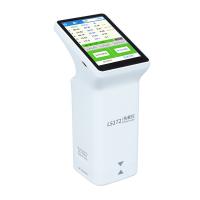
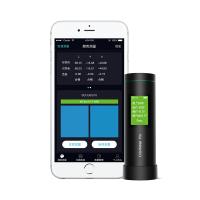
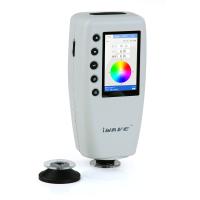
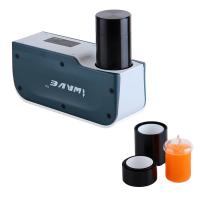
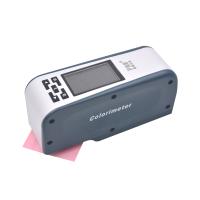
The color difference meter is a testing instrument used for color management and control. It has many different parameters and functions to support and meet the user's color measurement needs. Compared with the functional parameters such as measurement aperture, light source, and chromaticity space, data storage seems not so eye-catching, but in fact is important for subsequent color sharing exchanges.
After measuring the color difference with a Colorimeter, you need to save the measurement data for future color sharing and communication. There cannot be only one data in the measurement process of the precision color difference meter, so it is very necessary to save the data of the color difference meter. The preservation of Colorimeter data is not only for measurement, but also the analysis after measurement is the focus of data. Only through data analysis can we better compare colors, find color differences, and expand suitable color schemes. Today I mainly share the data storage of the Weifu Colorimeter, is it manual or automatic?
We know that the purpose of using a Colorimeter is to obtain measurement data. All previous work would be in vain if these data were not well preserved after measurement. Colorimeter data can help manufacturers control product color quality and communicate color data to improve production efficiency. Therefore, the data storage of the Colorimeter is very important. Data storage is a required step in the Colorimeter operation process.

There are two forms of data storage for Weifu Colorimeter: automatic storage and manual storage.
Automatic storage: When set to automatic storage, the color difference instrument will automatically save the measurement data of the standard sample or sample; when the standard sample or sample storage record of the instrument is full, the measurement data of the instrument will not be saved, and a dialog box will pop up , you can choose whether to clear the memory.
Manual storage: When manual saving is set, the instrument will not automatically save the measurement data. After the measurement is completed, press the "Save button" to save manually, and a prompt box "Standard data has been saved" will pop up.