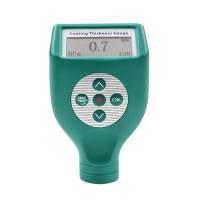
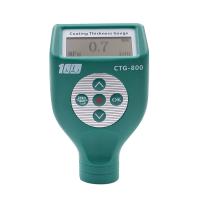
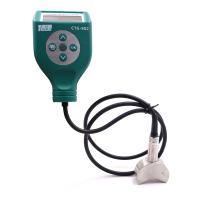
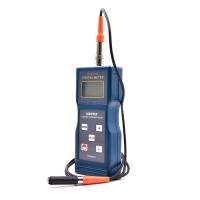
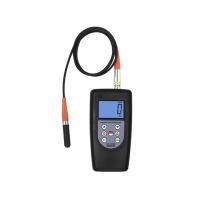
Kedian MC-2000A coating Thickness Gauge is a magnetic induction coating thickness measuring instrument, which has three calibration methods: zero point calibration, two point calibration and system calibration, so how to calibrate it correctly? Today I will share with you the specific calibration method and precautions!
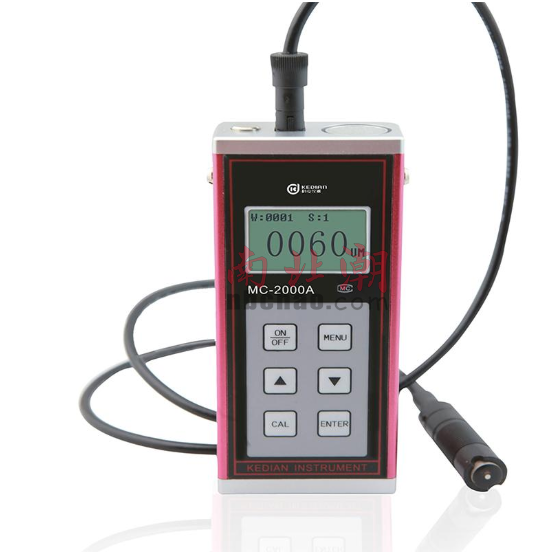
The instrument is divided into three calibration methods: system calibration, two-point calibration and iron-based calibration. The iron-based calibration is only applicable to MC-2000A type coating (plating) layer Thickness Gauge. In general, direct measurement is enough. When the magnetic properties and surface roughness of the iron base of the instrument and the iron base of the test piece are greatly different, system calibration can be performed to ensure the measurement accuracy.
(1) Iron base calibration (zero point calibration)
The magnetic properties and surface roughness of the standard base metal of the coating Thickness Gauge shall be similar to those of the base metal to be tested. In order to ensure the accuracy of the measurement, professional iron-based calibration can be performed before measuring the test piece.
Calibration method: When the coating thickness gauge is turned on, place the probe vertically on the exposed substrate of the test piece for measurement, measure twice, hold the probe still and press the "CAL" key after the second measurement, Iron-based calibration is completed with two beeps. If there are no two beeps, it means that the operation is wrong. Repeat the above steps until two beeps are heard.
(2) Two-point calibration
During the measurement process, if it is found that the deviation of individual measured values is large, it can be adjusted by two-point calibration method.
Calibration method: measure a test piece with a known thickness as a standard sample, if the displayed value is inconsistent with the real value, you can use the "▲" and "▼" keys to add or subtract 1. Press and hold the "▲" and "▼" keys to perform continuous addition and subtraction until the displayed value is the same as the actual value. Normal measurement can be performed after the calibration is completed.
(3) System Calibration
The instrument has been systematically calibrated by technicians before leaving the factory, and a secondary system calibration can also be performed at the work site to ensure accuracy.
System Calibration Process:
Press and hold the "ON/OFF" key and "MENU" key at the same time in the off state, first release the "ON/OFF" key, and then release the "MENU" key to enter the system calibration mode.
This system calibration needs to calibrate five standard samples. After entering the system calibration, the "iron base" interface will be displayed first. At this time, the probe should be placed vertically on the exposed substrate of the test piece for measurement. After two measurements, if there is no error in the measurement, it will enter the measurement of the first sample with two beeps. The screen displays the first sample value provided at the factory. If the displayed sample value does not match the actual value, you can use the "▲▼" keys to add or subtract 1. Press and hold the "▲" or "▼" key to add or subtract continuously until the displayed value is the same as the real value. After the sample value is adjusted, the first sample can be measured. After the measurement is correct twice, the instrument will enter the calibration of the next sample with two beeps. If there is still no two beeps after two measurements, it means that the operation is wrong, and you can measure again. The adjustment method of the next four samples is the same as above.
When the calibration of the fifth sample is completed, the screen will display "0000μm'', and enter the boot interface as shown in Figure B. The coating Thickness Gauge has completed the system calibration process at this time. The measured piece can be directly measured in the future.
Note: These five samples can use the standard sheet provided by the instrument or the sample with known thickness as the standard sheet. Calibration of samples should be carried out in order from small to large, and there should be a certain difference between adjacent samples. The iron base selected for system calibration needs to be flat and its surface should be larger than 30mm×30mm.