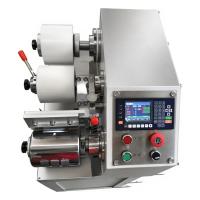
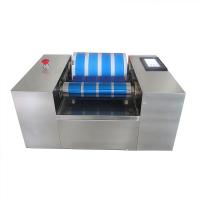
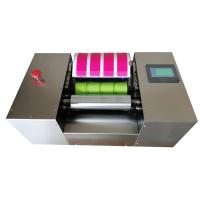
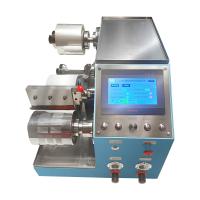
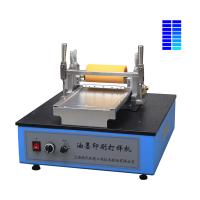
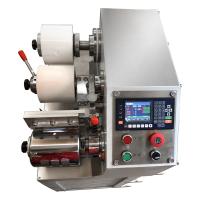
No need to tie up your printer's production time. The ink conditioner requires only a small amount of adjusted spot color ink and a few sheets of A4 paper size, which can be produced by a color Tester to determine whether the spot color is accurate. Only after the verification is correct, the spot color will be converted to four-color ink, and then printing can start on the machine.
It can prevent the printer from changing the hue due to the ink stick being difficult to clean the previous ink or the Water Tank is not clean, and mislead the printer to judge the hue wrongly, thus repeatedly chasing the color on the machine, resulting in a waste of time. Amazing waste of labor and materials. (For example: if the printing machine prints black ink and transfers pink ink, the pink color will become dark because the ink stick is not cleaned. At this time, it is difficult for the printing staff to judge whether the pink ink is not adjusted correctly? Or the ink stick What if it is not cleaned? Repeatedly re-deploying and re-installing the machine, such a waste of time, labor, and materials).
Before using the Colorimeter, you need to prepare: rubber roller cleaning solution, cotton, small ink knife, substrate, quantifier, and ink to be tested.
1. Before color development, use cotton dipped in an appropriate amount of cleaning solution to clean the chrome roller and rubber roller of the color development instrument.
2. Take the ink with a quantitative instrument, and evenly coat the ink on the color development part of the rubber roller.
3. Fix the substrate on the color development instrument.
4. Turn on the switch and let the color development instrument grind the ink evenly on the rubber roller.
5. Click the color development button to start proofing.
6. Take a very good strip, let it dry and then measure it.
7. Clean the Colorimeter.