Depending on the open program, the view may vary. Typical: Right-click the file and choose Extract All.
Choose a storage location.
Then double-click to run the Setup_QN9_Installation.exe file in the previously specified location.
Please follow the installation instructions.
After successful installation, start the program via the icon on the desktop or via the start menu in the Automation folder.
Updating the installation file of QNix®9 on the handheld device
(This is for making a backup copy only. The following steps are not necessary for error-free operation)
Depending on the open program, the view may vary.
Typical: Right-click on the file and select "Extract All.."
Choose a storage location.
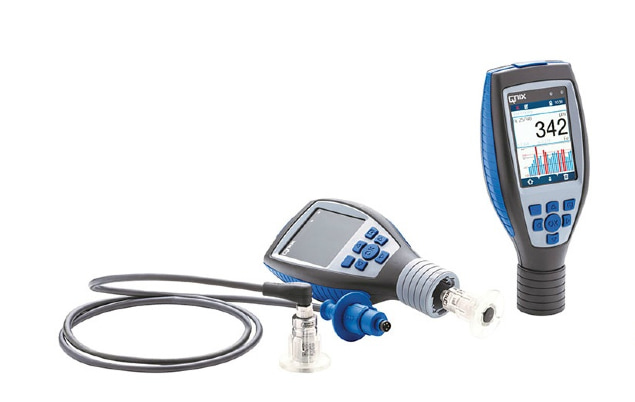
Connect the handheld with a USB cable. A new drive "QNix 9500" will appear in Explorer.
Copy all files and directories from the unzipped download to this drive.
You are always prompted to replace existing files.