How much ink you put on your screen print depends on your individual print job and substrate. Too much ink on the substrate can cause the print to bleed over the edge of the stencil, saturate the substrate, or fail to fully cure. Too little ink can result in a light print, affect color matching or cause fiberization problems. Knowing how to troubleshoot ink deposits that are too heavy or too light can help you deposit the right amount of ink every time. When it comes to screen printing, there are a few factors that can affect the weight or weight of your ink deposit.
sieve
Maybe bear in mind: your screen affects the amount of ink deposited on your screen print - the lower the mesh count, the wider the opening of the screen and the heavier the ink deposit. Most screen printing screen meshes are between 110 and 160; if you are doing typical screen printing with regular inks, you can increase or decrease the mesh size within this range to adjust the amount of ink that flows through the screen during printing. ink volume. Mesh counts between 180 and 200 are for more detailed prints; mesh counts between 230 and 280 are intended for a softer feel, but may affect printed colors due to the low amount of ink passing through the screen . Lower mesh counts are used for sublimation transfers, large particle specialty inks, or heavyweight sports prints.
Note that mesh count is not the only factor affecting printing. The thickness of the screen thread will also affect your screen printing. If your ink flow is not as expected for your screen mesh, you may need to look at the wire diameter. Thicker lines will reduce the size of the screen opening and result in lower ink deposition, while thinner lines will have the opposite effect.
For more information on choosing the right mesh for your screen printing job, check out this blog: Screen Printing 101: Choosing the Right Mesh
ink thickness
The viscosity of the ink affects how easily the ink passes through the screen and how well it deposits on the substrate. If the ink is bleeding over the edges of the screen printing stencil, the ink may be too thin to complete the print job. In contrast, if the ink deposits are too light, a reducing agent may need to be added to allow the ink to flow more easily during screen printing.
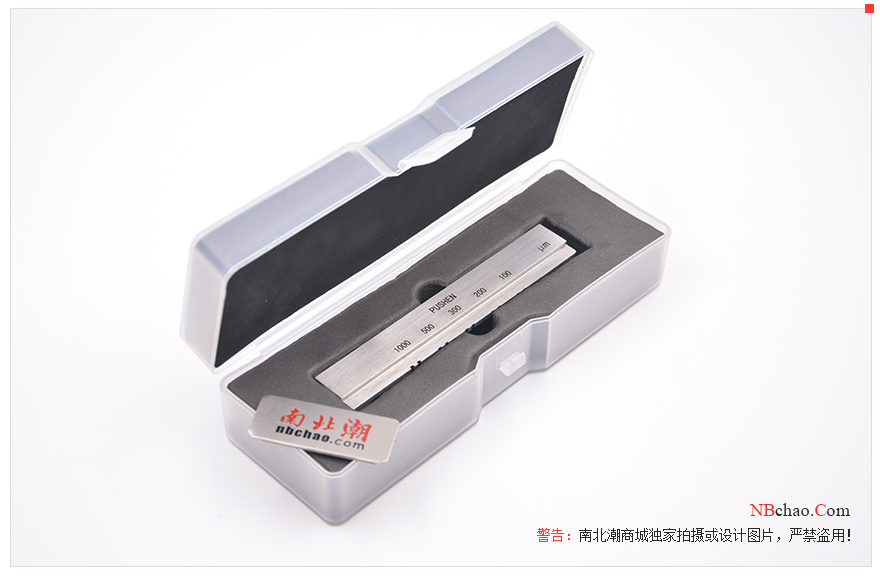
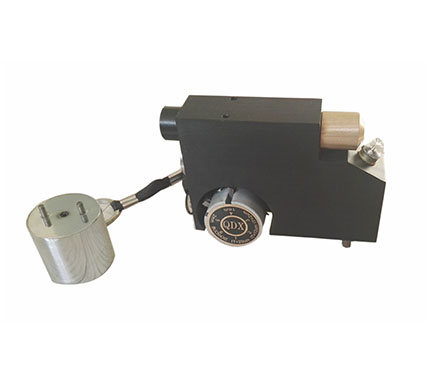
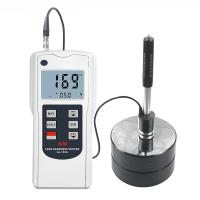
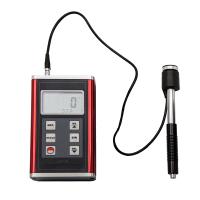
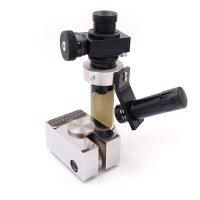
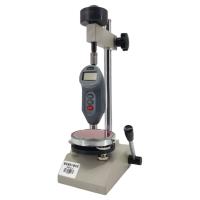
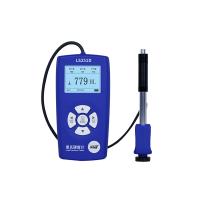
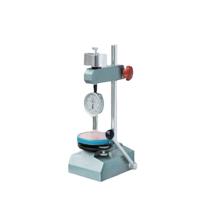
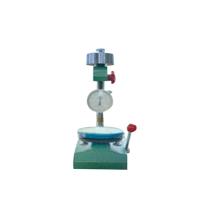
scraper Hardness Tester
The firmness of the squeegee also affects the weight of the screen printing ink deposit. A stiffer squeegee will travel more lightly across the screen, causing the screen to bounce off the print, scraping away with lighter ink deposits. On the other hand, a softer squeegee pushes more ink through the screen during printing. You may also want to evaluate the angle of the squeegee during printing. Angling the squeegee towards the print in the direction of the printing motion will increase your ink deposit, while a higher angle will decrease it. A 45 degree squeegee angle is a good, neutral starting point for printing.
See also: Choosing the Right Squeegee for Your Screen Printing Job
Stencil thickness
During the screen printing process, your stencil acts as a reservoir for ink. If the stencil is too thin, your ink deposit will also be too light. Remember: In order to achieve adequate ink deposition during screen printing, your stencil needs to be thick enough on the printing side of the screen or the side of the screen that contacts the substrate. To ensure that the stencil is thick enough, consider applying a layer of emulsion to both sides of the screen, then adding another layer of emulsion to the printing side of the screen. Lay the screen horizontally with the screen printing side down and allow the lotion to dry.
For more information on preparing sharp stencils for your screen printing, read: Preparing Your Screens the Right Way: Screen Printing Emulsion Techniques and Timing
screen printing technology
If you are printing on a manual screen printing machine, your screen printing technique will affect the amount of ink deposit you place. Excessive pressure on the squeegee can cause large ink deposits to seep over the edge of the stencil or leak through the substrate layer. A stroke that is too light can mean that the deposit is opaque, making the color of the substrate visible during printing. You also need to make sure you flood the screen before printing. First, drag the squeegee across the screen to fill the stencil with ink. Then, use a heavier squeegee to place the print on the screen. This technique will ensure that you get full ink deposits on the substrate every time you print.
Ink deposits that are too heavy or too light can ruin an otherwise fine screen print. Your screen printing equipment, supplies and technique all determine how much ink ends up on your substrate. If your ink deposition is not suitable for your print job, evaluate the different variables that affect ink deposition. Knowing how to troubleshoot ink deposition issues can save you from frustration during the screen printing process and ensure you deliver high-quality prints to your customers every time.