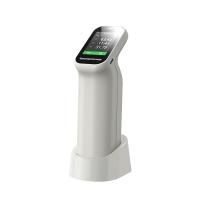
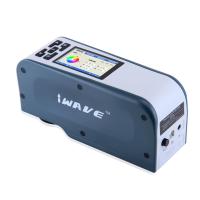
1. Power on/off
Power on: In the off state, press a short button to power on, and the indicator light will flash after power on.
Shutdown: Long press the button on the instrument to shut down; when the mobile phone is not connected to Bluetooth, it will automatically shut down after 3 minutes without operation; when the mobile phone is connected to Bluetooth, it will automatically shut down after 30 minutes without operation.
2. APP connection
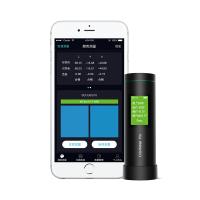
Scan the QR code on the body and install the APP software. Turn on the instrument and open the APP software. After the APP is successfully opened, it will automatically start searching for Bluetooth devices. The searched devices will be displayed at the bottom of the interface. Click on the device that matches the SN number of the instrument and wait for the device to connect. After the connection is successful, it will jump to the "calibration interface", where you can choose to calibrate or skip the calibration, and then enter the main interface.
3. Color measurement
In the color measurement interface, click the "Measurement" button on the APP, or short press the instrument button, the instrument will perform a measurement and display the measured value.
4. Color contrast
In the color difference comparison interface, click the "Standard Color Measurement" button, and the current measurement value will be used as the standard color. Click the "Sample Color Measurement" button, and the current measurement value will be used as the sample color.