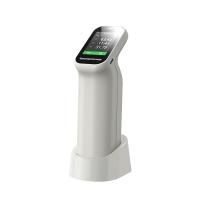
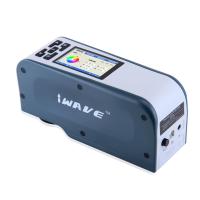
1. Power on/off
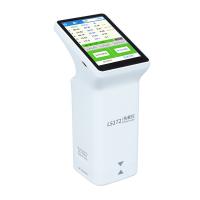
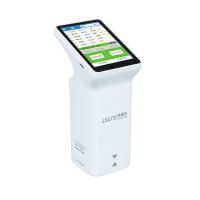
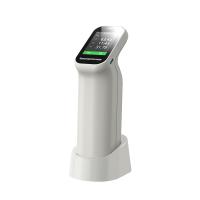
Power on: Short press the button on the back of the instrument to power on.
Shutdown: Long press the instrument button to shut down or click "Shutdown" in the menu bar to shut down; if automatic shutdown is set, the instrument will automatically
2. Color measurement
In the color measurement interface, short press the instrument button once or click the "Measurement" button on the LCD screen to trigger a color measurement.
3. Color difference comparison
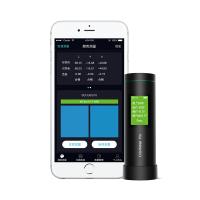
In the color contrast interface. Click the "Standard Color Measurement" button, and the current measurement value will be used as the standard color. Click the "Sample Color Measurement" button, and the current measurement value will be used as the sample color.
4. Device Calibration
Enter the "Device Calibration" interface, the user can perform the calibration operation according to the calibration animation prompts, or skip the calibration.