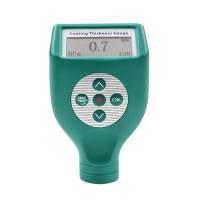
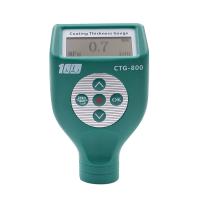
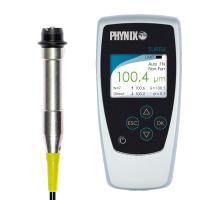
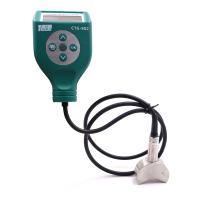
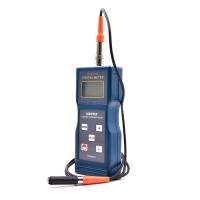
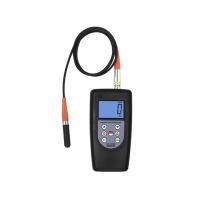
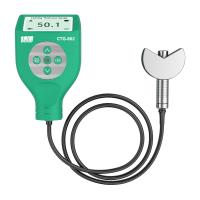
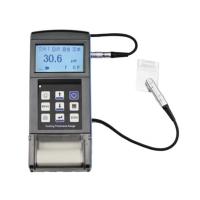
1. Power on/ off
Power on: Short press the “  ” key to execute the power on operation. After power on, the host parameters and probe parameters are displayed respectively, and then the last recorded historical data interface is displayed.
Shutdown: Long press the " " button to shut down; or automatically shut down without any operation within the set shutdown time (1-9 minutes).
2. Zero adjustment
1) Before calibration, the instrument will prompt "zero adjustment", please prepare unpainted standard workpiece or zero adjustment plate, and operate according to the prompt.
2) When the instrument prompts "Please press the probe tightly for zero adjustment", press the probe vertically on the center of the zero adjustment plate or the standard workpiece, and keep the probe stable without tilting or shaking.
3) After hearing the beep from the buzzer, the instrument prompts "Please raise the probe more than 4cm", lift the probe and leave the zero adjustment board or the workpiece more than 4cm.
4) After hearing the buzzer sound again, the instrument prompts "zero point check", at this time, measure the zeroing position and check the zeroing result.
3. Measure
1. Hold the position where the probe has anti-skid lines with your fingers. If you have purchased a hand pressure test rack, fix the probe in the probe fixing hole of the rack.
2. Press the probe of the instrument vertically on the surface of the object to be measured, keep the probe stable and do not tilt or shake, the measurement result will appear on the screen, and there will be a buzzer prompt.
3. To continue the measurement, you can lift the probe away from the object to be measured, and then follow step 2) again.