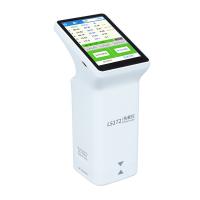
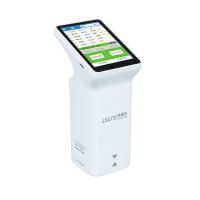
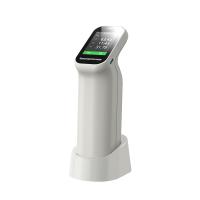
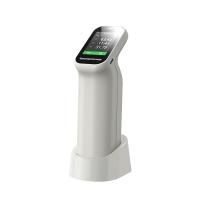
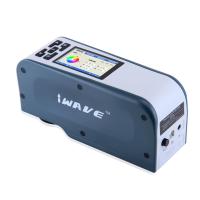
Connection steps
Scan the QR code on the instrument and follow the prompts to install the mobile APP.
After installation, turn on the instrument and turn on the Bluetooth and location functions of the mobile phone.
After entering the APP, find the SN number corresponding to the instrument, and click to connect.
After the connection is completed, go to the calibration interface, and choose whether to calibrate according to your own needs.
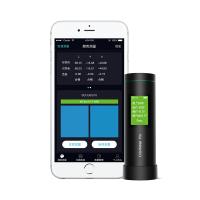
Click to enter the APP color difference comparison interface, and the instrument screen will display the "Lad value" and "Measurement" keys.
Demonstration of color difference contrast function
Place the instrument on the standard, and click the standard color measurement on the mobile APP.
Test the sample again, click on the sample color measurement on the mobile APP
After the test is completed, the color data will be automatically saved inside the instrument. The Lab and Lch values will be displayed on the APP interface.