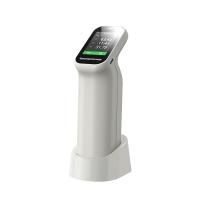
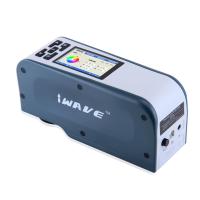
overview
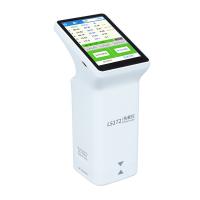
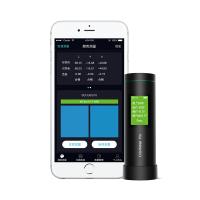
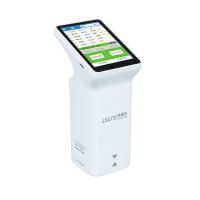
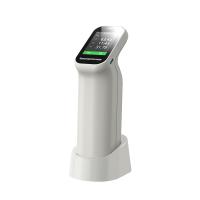
The Colorimeter is a simple color difference testing instrument, which is to make a filter that simulates the spectral characteristics equivalent to the color sensitivity of the human eye, and use it to measure the light of the sample plate. Under a certain light source, the computer software can Measured and displayed excellent differential values.
Before operating, you need to understand some noun explanations about chromatic aberration:
△a+ means reddish, △a- means greenish
△b+ means yellowish, △b- means blue
△E total color difference
△E=[(△L)+(△a)+(△b)]1/2
△L = L sample - L standard (lightness difference)
△a = a sample - a standard (red/green difference)
△b = b sample - b standard (yellow/blue difference)
△L+ means whiter, △L- means darker
Steps
Insert the U disk equipped with the instrument into the computer, open the U disk to decompress the compressed package, and install according to the prompts.
Click to enter the software interface, the red icon in the upper left corner means that the connection failed or not connected.
Connect the instrument to the computer with a data cable.
After the connection is successful, the USB icon and the words USB connected will be displayed on the screen of the instrument. The icon in the upper left corner of the software turns green.
After the instrument is connected to the computer software, it can perform color difference comparison measurement online
Demonstration of color difference contrast function
Place the instrument on the standard, and click the standard color measurement on the computer software.
Test the sample again, click the sample color measurement, and you can get the color difference comparison result.