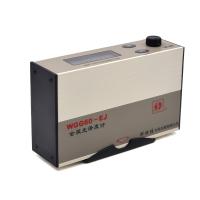
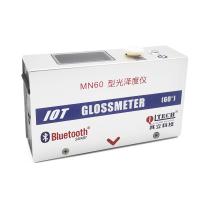
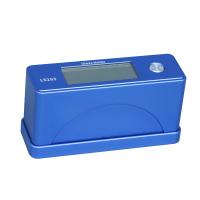
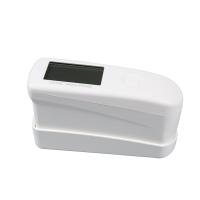
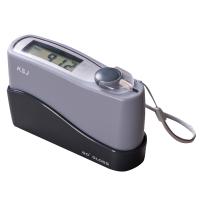
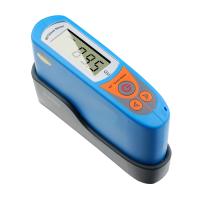
overview
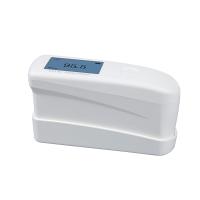
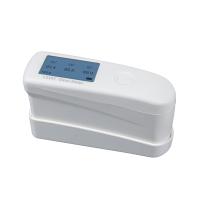
What problems are prone to occur when measuring small objects with a gloss meter? When the measured object is small and non-planar, it is easy to leak light or not completely cover the measuring hole of the gloss meter during the measurement process, which will lead to errors in the measurement results.
So how to solve this situation? We can connect the gloss meter to the Bluetooth of the mobile phone and measure it through the built-in data software. Then turn the gloss meter over, align the measuring hole to the top, and place the object to be measured on the measuring hole until it is completely covered. If the object to be measured is not flat, it is recommended to use a gloss meter with a small aperture.
Steps
Calibrate before measuring
Short press the power button, when the CR logo flashes, press it again, the CR logo disappears, and the calibration is successful.
connect bluetooth
Long press the "M" button on the side of the gloss meter to turn on the Bluetooth, and check whether the Bluetooth logo flashes in the lower left corner of the screen.
Open the gloss meter configuration data processing software of the mobile phone, click the Bluetooth logo in the lower right corner of the software page, search for the device and click connect, and start measuring after the connection is successful.
Measurement
Turn the gloss meter over and place the object to be measured on the measurement hole until it is completely covered. Click "online measurement" on the upper right corner of the data processing software screen, jump to the measurement page, and click the measurement button to perform normal measurement.